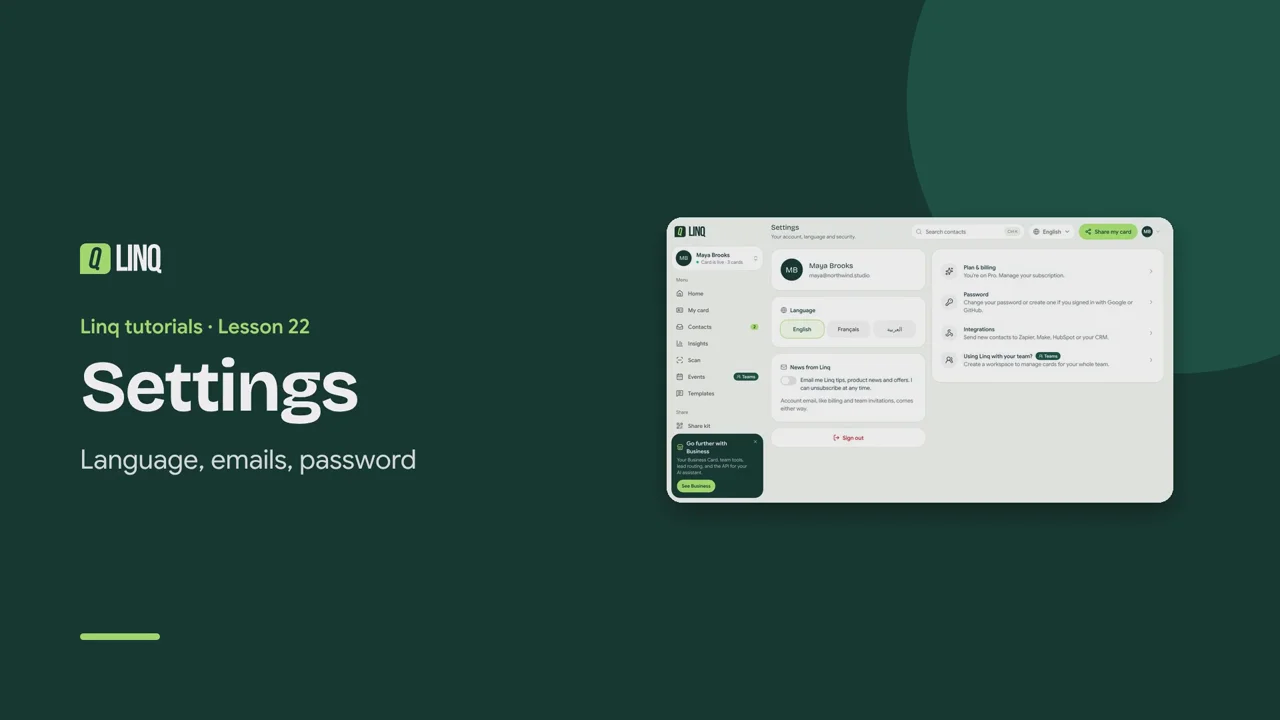
Tutorials Lesson 22 Settings Language, emails, password. Video language English Français العربية 0:52 The steps Read the written guide 0:07 Settings holds your language, emails from Linq, password and plan. 0:12 Choose English, French or Arabic. Arabic switches the whole app to right-to-left. 0:18 News from Linq: tips and product news, only if you want them. Account, billing and team emails always come. 0:26 Password: change it, or create one if you signed up with Google or GitHub. 0:32 Shortcuts take you to Plan & billing, Integrations and your teams. 0:37 You can also switch language from the top of any page. 0:41 Sign out when you're done on a shared computer. Paramètres · Langue, e-mails, mot de passe. 0:06 Les Paramètres regroupent votre langue, les e-mails de Linq, le mot de passe et l'abonnement. 0:12 Choisissez l'anglais, le français ou l'arabe. En arabe, toute l'application passe de droite à gauche. 0:20 Nouvelles de Linq : conseils et nouveautés, seulement si vous le souhaitez. Les e-mails de compte, facturation et équipe arrivent toujours. 0:29 Mot de passe : modifiez-le, ou créez-en un si vous vous êtes inscrit avec Google ou GitHub. 0:36 Des raccourcis mènent à Abonnement et facturation, aux Intégrations et à vos équipes. 0:43 Vous pouvez aussi changer de langue depuis le haut de chaque page. 0:47 Sélectionnez Déconnexion quand vous avez fini sur un ordinateur partagé. الإعدادات · اللغة والبريد وكلمة المرور. 0:08 تضم الإعدادات لغتك ورسائل Linq وكلمة المرور والخطة. 0:15 اختر الإنجليزية أو الفرنسية أو العربية. مع العربية يتحول التطبيق كله إلى الكتابة من اليمين إلى اليسار. 0:26 أخبار Linq: نصائح وأخبار، فقط إن أردتها. أما رسائل الحساب والفوترة والفريق فتصلك دائمًا. 0:36 كلمة المرور: غيّرها، أو أنشئ واحدة إن سجّلت عبر Google أو GitHub. 0:44 تنقلك الاختصارات إلى الخطة والفوترة والتكاملات وفرقك. 0:51 يمكنك أيضًا تغيير اللغة من أعلى أي صفحة. 0:56 اختر تسجيل الخروج عند الانتهاء على جهاز مشترك. Select a step to play the video from there. Previous · Lesson 21 Plans and billing Next · Lesson 23 Get help Stuck on something? Check the FAQ or troubleshooting, or contact us. Open Linq