Why keep your card in Google Wallet
Your phone is where your card lives when you meet someone. But finding it still means unlocking, opening an app or a browser, and scrolling to the QR code while the other person waits. A Wallet pass is two taps from the lock screen, in the place you already keep your boarding passes and loyalty cards, and it shows your QR code full size.
The pass is your digital business card in Wallet's format, so it carries the same promise: they scan, they save you, and Linq asks them to send their details back.
What's on the pass
- Your name, job title and company, with your photo (or the Linq logo) and your card color.
- A QR code that opens your card. The person you're talking to scans it with their camera and sees your card in their browser. They don't need Google Wallet, or any app.
- Your email, phone, website and card link in the pass details, one tap away.
How to add your card to Google Wallet
- Create your free card and make sure it's live.
- Open the Share kit and stay on the QR code tab.
- Select Add to Google Wallet, then save the pass on Google's page.
On an Android phone, the pass opens straight in the Wallet app. On a computer, it's saved to the Google account you choose and shows up in Wallet on your phone. Details in the Share kit.
It never goes out of date
A pass is only useful if it's right. So once your card is in Google Wallet, Linq keeps it in step:
- Edit your card, change your photo or switch to a custom card link, and the pass updates on its own. There's nothing to add again.
- Take your card offline or remove it, and the pass shows as expired, so nobody scans a card that no longer works. Publish it again and the pass comes back.
- Team cards work too. When your team updates its brand, the pass follows.
On an iPhone?
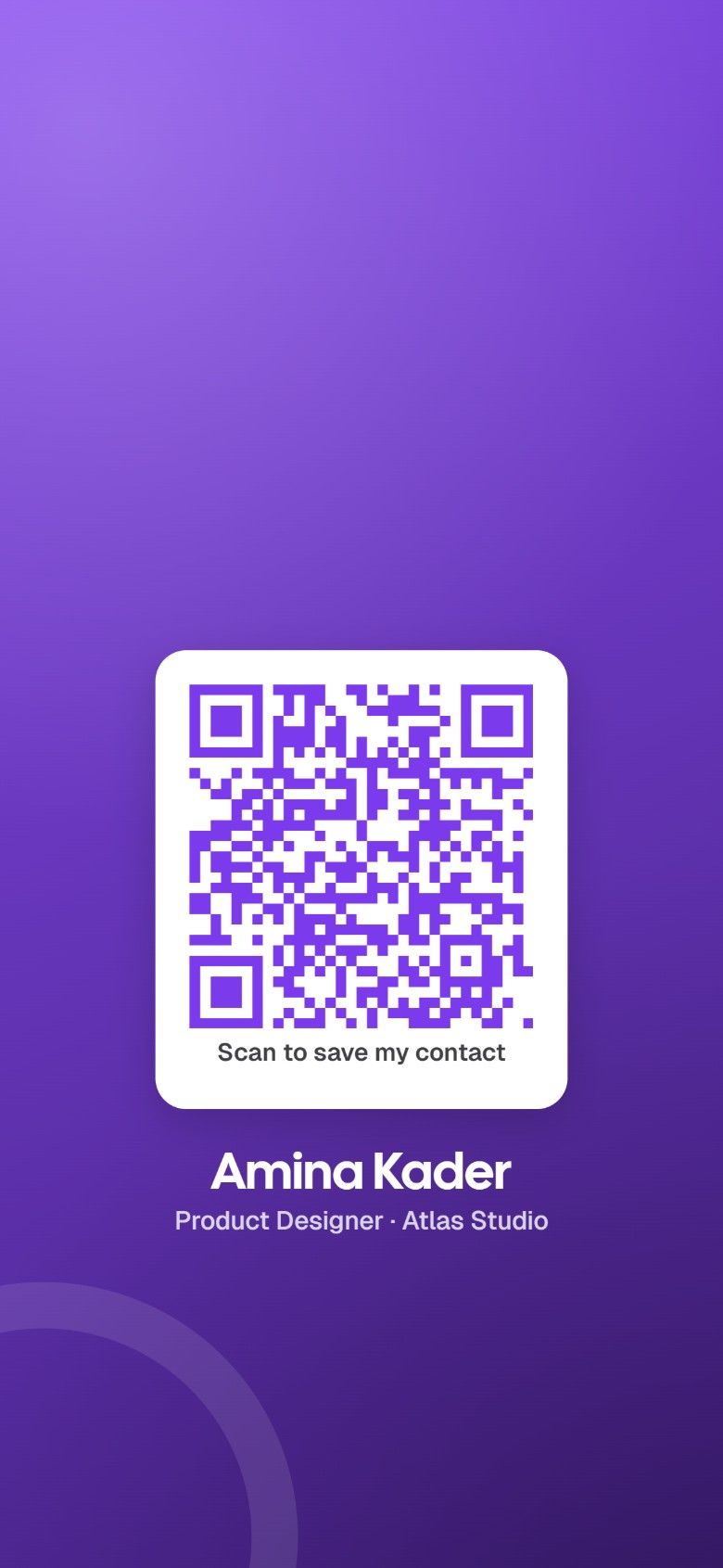
Google Wallet is for Android phones, and Apple Wallet passes aren't available. On an iPhone, the Share kit's lock screen wallpaper does the same job: your QR code sits below the clock, so people can scan your card without you unlocking your phone. Save the image to Photos, set it as your lock screen, done.
How to set the lock screen wallpaper, and everything else you can do with your QR code.
See what it brings in
Scans of the pass's QR code have their own line in Insights, as Google Wallet, next to QR codes, shared links, your email signature and your video call background. With Pro, at $5.99 a month, you can see how many people found you through it over the last 90 days. How Insights counts views.
Google Wallet is a trademark of Google LLC.