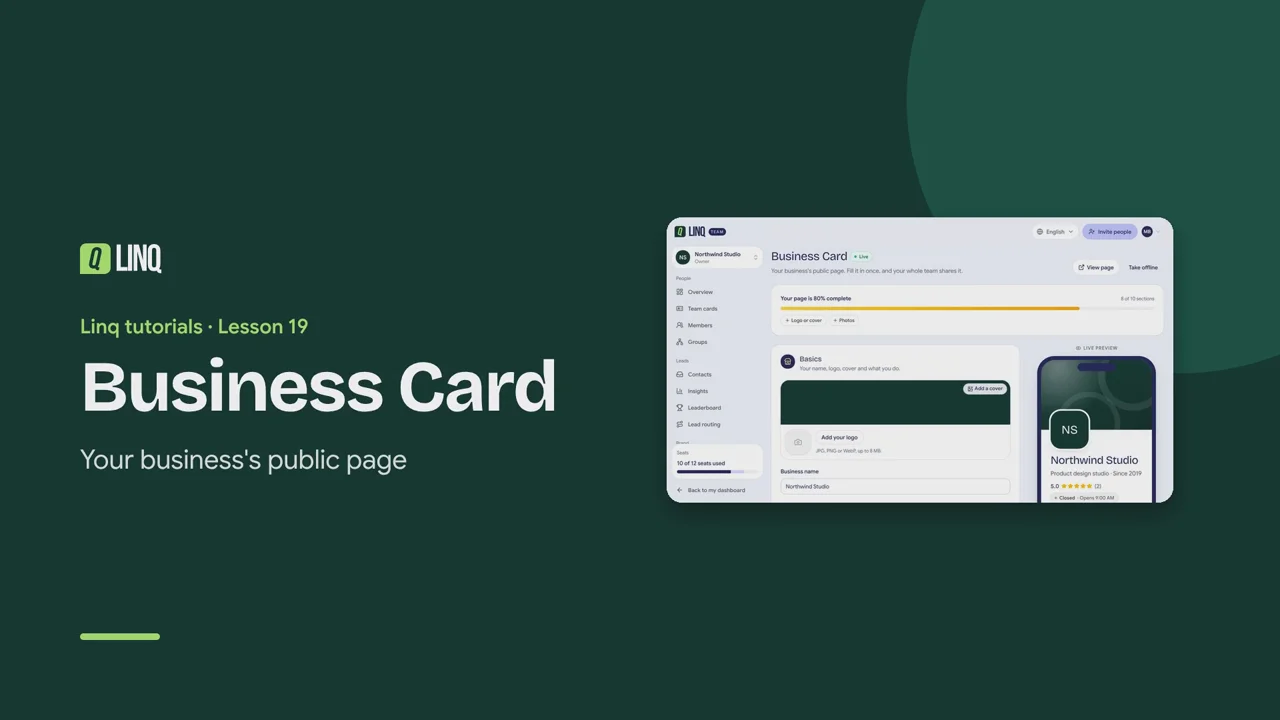
Tutorials Lesson 19 Business Card Your business's public page. Video language English Français العربية 1:03 The steps Read the written guide 0:06 With Business, your team gets a public page. Open Business Card: Linq starts it from what your team already has. 0:15 The live preview shows the page as customers will see it, while you type. 0:20 Basics: your name, logo, cover, tagline and what you do. 0:26 The Main button sends customers to book, order or ask for a quote. 0:31 Add your address for a map and directions, then your Opening hours. 0:36 Then Services & prices, photos, real Reviews and Questions & answers. 0:42 Share it with its link or QR code. Performance counts views, calls, directions and saves. 0:50 View page opens it as customers see it. Take offline hides it whenever you need. Fiche entreprise · La page publique de votre entreprise. 0:07 Avec Business, votre équipe a une page publique. Ouvrez Fiche entreprise : Linq la prépare avec vos infos d'équipe. 0:15 L'aperçu en direct montre la page telle que vos clients la verront, pendant que vous écrivez. 0:22 L'essentiel : nom, logo, couverture, accroche et activité. 0:28 Le Bouton principal envoie vos clients réserver, commander ou demander un devis. 0:34 Ajoutez votre adresse pour la carte et l'itinéraire, puis vos Horaires d'ouverture. 0:40 Puis Services et tarifs, photos, vrais Avis et Questions fréquentes. 0:45 Partagez-la avec son lien ou son QR code. Performances compte vues, appels, itinéraires et enregistrements. 0:54 Voir la page l'ouvre comme vos clients. Mettre hors ligne la masque quand vous voulez. بطاقة النشاط التجاري · الصفحة العامة لنشاطك التجاري. 0:09 مع Business، يحصل فريقك على صفحة عامة. افتح بطاقة النشاط التجاري، ويبدأها Linq مما لدى فريقك بالفعل. 0:20 تعرض المعاينة المباشرة الصفحة كما سيراها عملاؤك، أثناء الكتابة. 0:27 الأساسيات: الاسم والشعار والغلاف والشعار النصي وما تقدّمه. 0:34 يوجّه الزر الرئيسي العملاء إلى الحجز أو الطلب أو طلب عرض سعر. 0:41 أضف عنوانك لعرض الخريطة والاتجاهات، ثم ساعات العمل. 0:47 ثم الخدمات والأسعار والصور والتقييمات الحقيقية وأسئلة وأجوبة. 0:54 شاركها برابطها أو رمز QR. ويحصي قسم الأداء المشاهدات والمكالمات والاتجاهات والحفظ. 1:04 يفتحها عرض الصفحة كما يراها العملاء، ويخفيها إيقاف النشر متى شئت. Select a step to play the video from there. Previous · Lesson 18 Team tools Next · Lesson 20 Integrations Stuck on something? Check the FAQ or troubleshooting, or contact us. Open Linq