Settings, language and password
Change Linq's language (English, French or Arabic), create or change your password, and sign out.
Open Settings from the menu (on your phone, it’s under More).
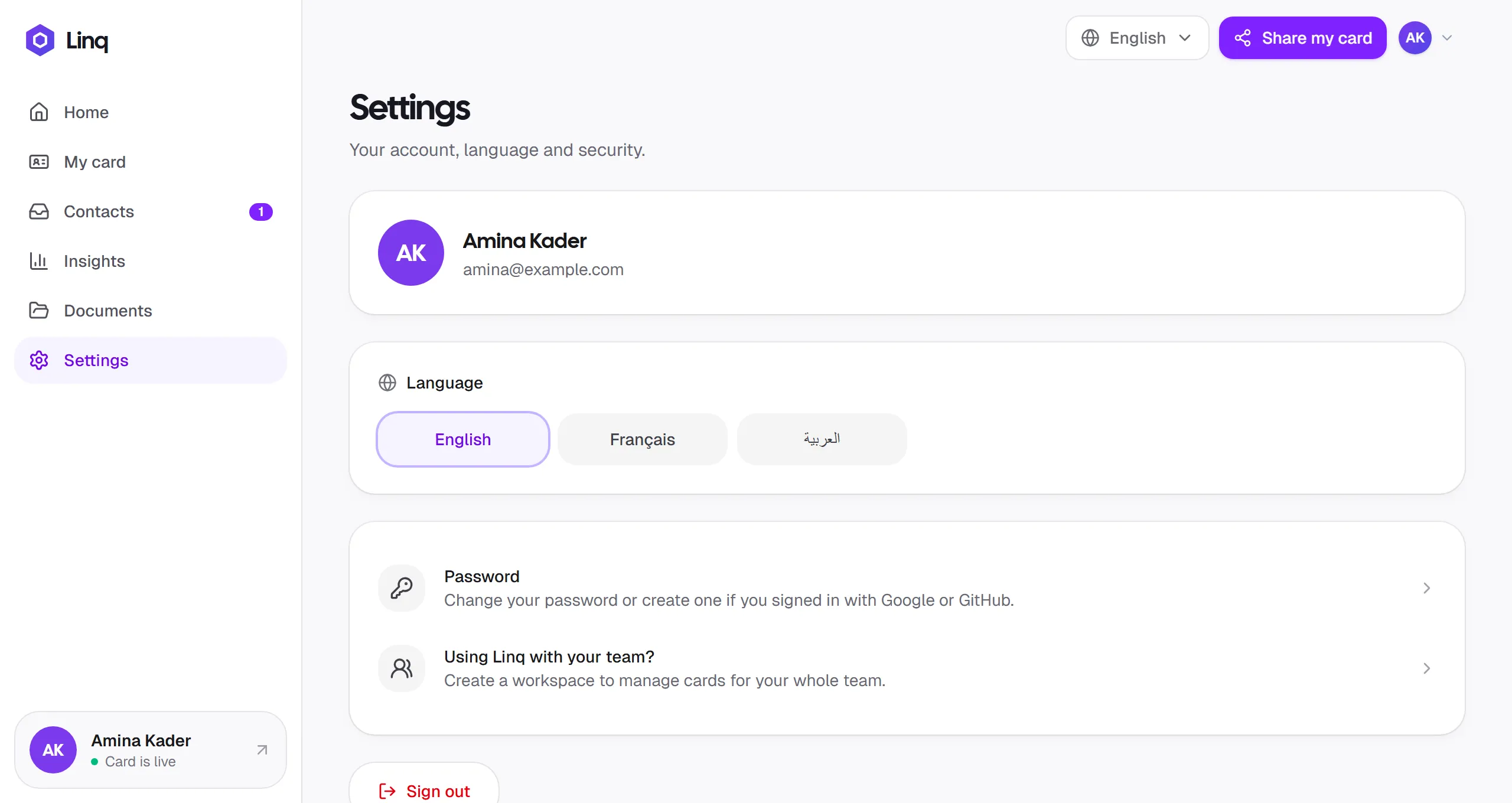
Language
Linq is available in English, Français and العربية. Choose a language under Language in Settings, from the language menu at the top of the page on a computer, or under More on your phone. Linq remembers your choice on that device.
In Arabic, the whole app switches to a right-to-left layout.
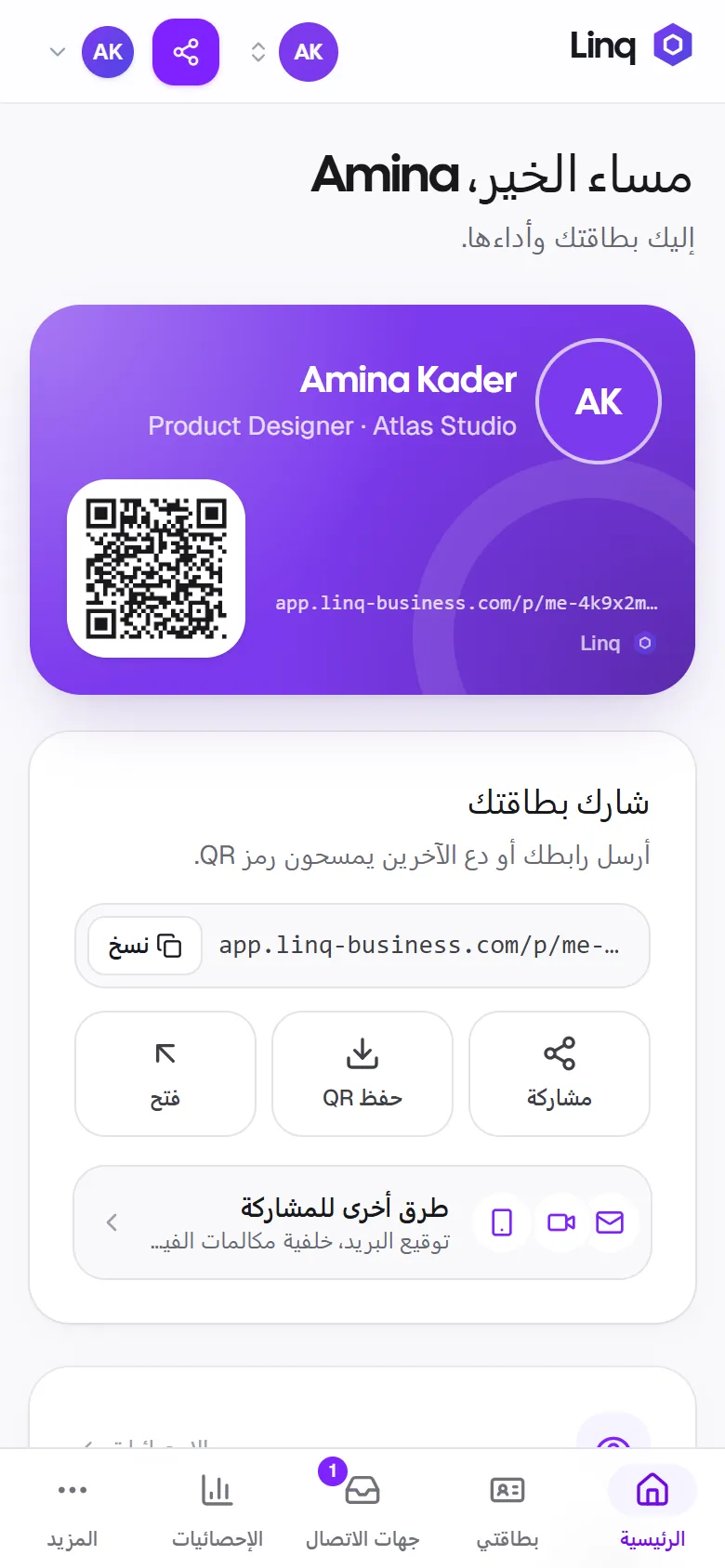
The language you pick only changes the app for you. Visitors see your card in their own browser’s language, and they can switch it at the bottom of your card.
Plan & billing
Select Plan & billing to see whether you’re on Free or Pro, upgrade to Pro with PayPal, or cancel. See Plans and billing.
Password
Select Password in Settings:
- If you signed up with Google or GitHub and don’t have a password yet, you can create one. You’ll then be able to sign in with your email and password too.
- If you already have a password, enter your current password and your new one twice. Passwords need at least 8 characters.
You stay signed in after changing your password. Forgot it? See Reset a forgotten password.
Sign out
Select Sign out at the bottom of Settings. You can also sign out from your avatar menu on a computer, or from More on your phone.
Last updated
Need more help?
Check the FAQ or troubleshooting, or contact us.