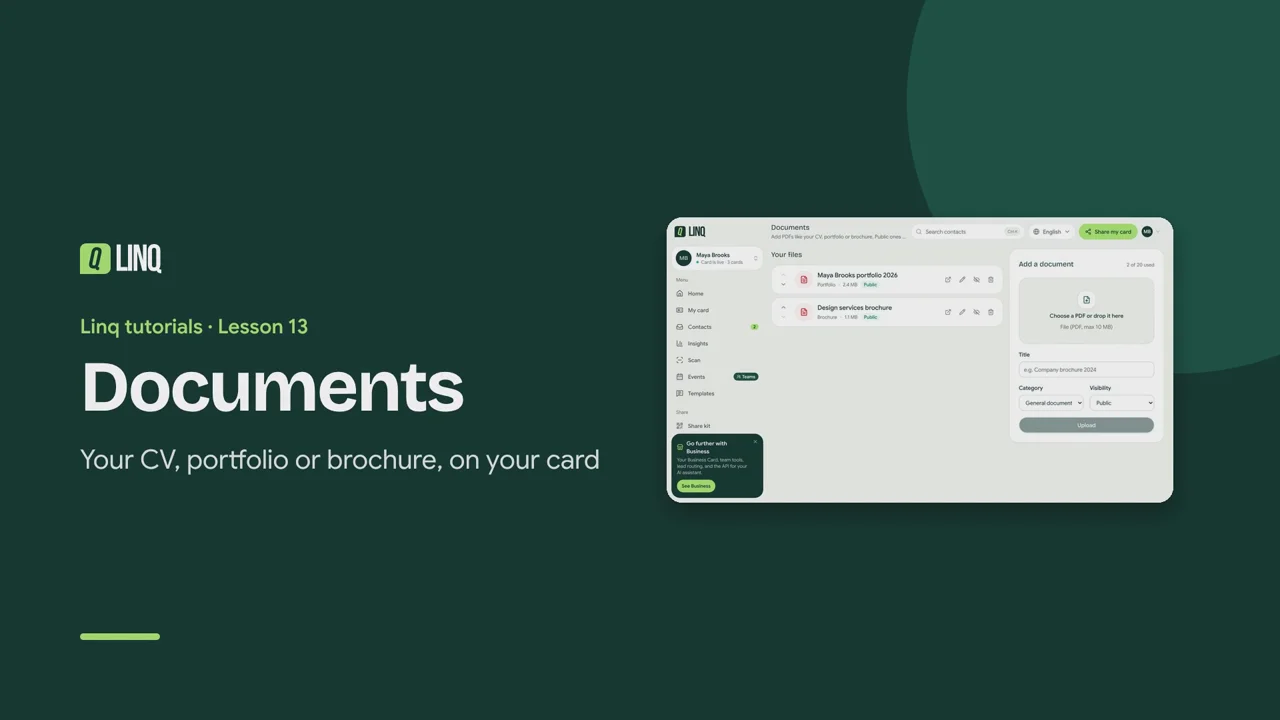
Tutorials Lesson 13 Documents Your CV, portfolio or brochure, on your card. Video language English Français العربية 1:00 The steps Read the written guide 0:09 Documents lets visitors view or download PDFs from your card: a CV, a portfolio, a price list. 0:17 Choose a PDF or drop it here: PDFs up to 10 MB. Free cards hold 1 document, Pro up to 20. 0:26 Check the Title, pick a Category, and choose the Visibility: Public shows on your card. 0:33 Each file can be opened, edited, hidden from your card for a while, or deleted. 0:40 Use the arrows to change the order your documents appear on your card. 0:45 Public documents show on your card, ready to view or download. Views and downloads are counted in Insights. Documents · Votre CV, portfolio ou brochure sur votre carte. 0:08 Documents permet de consulter ou télécharger des PDF depuis votre carte : CV, portfolio, tarifs. 0:15 Choisissez un PDF ou déposez-le ici : PDF jusqu'à 10 Mo. 1 document avec l'offre gratuite, jusqu'à 20 avec Pro. 0:25 Vérifiez le Titre, choisissez une Catégorie et la Visibilité : Public s'affiche sur la carte. 0:32 Chaque fichier peut être ouvert, modifié, masqué un temps de votre carte, ou supprimé. 0:39 Utilisez les flèches pour changer l'ordre d'affichage de vos documents. 0:44 Les documents publics s'affichent sur votre carte. Vues et téléchargements sont comptés dans Statistiques. المستندات · سيرتك الذاتية أو أعمالك أو كتيّبك على بطاقتك. 0:10 تتيح المستندات للزوار عرض ملفات PDF أو تنزيلها من بطاقتك: سيرة ذاتية أو أعمال أو قائمة أسعار. 0:21 اختر ملف PDF أو أفلته هنا: ملفات PDF حتى 10 ميغابايت. مستند واحد في المجانية، وحتى 20 مع Pro. 0:32 تحقق من العنوان، واختر الفئة والظهور: «عام» يظهر على بطاقتك. 0:40 يمكن فتح كل ملف أو تعديله أو إخفاؤه مؤقتًا من بطاقتك أو حذفه. 0:48 استخدم الأسهم لتغيير ترتيب ظهور مستنداتك على بطاقتك. 0:53 تظهر المستندات العامة على بطاقتك جاهزة للعرض أو التنزيل، وتُحتسب في الإحصائيات. Select a step to play the video from there. Previous · Lesson 12 Templates and follow-ups Next · Lesson 14 Multiple cards Stuck on something? Check the FAQ or troubleshooting, or contact us. Open Linq