What a vCard is
A vCard is a small text file that holds a person's contact details in a standard layout: name, phone, email, company, and so on, each on its own labelled line. The file usually ends in .vcf. Phones, email apps and address books have read the format for decades, which is why a vCard sent by message or email just works: tap it, and your phone offers to add the person to your contacts.
It's the format behind “share contact” on iPhone and Android, the attachment Outlook adds when you send a contact, and the file you download from most digital business cards, Linq's included.
What's in Linq's vCard
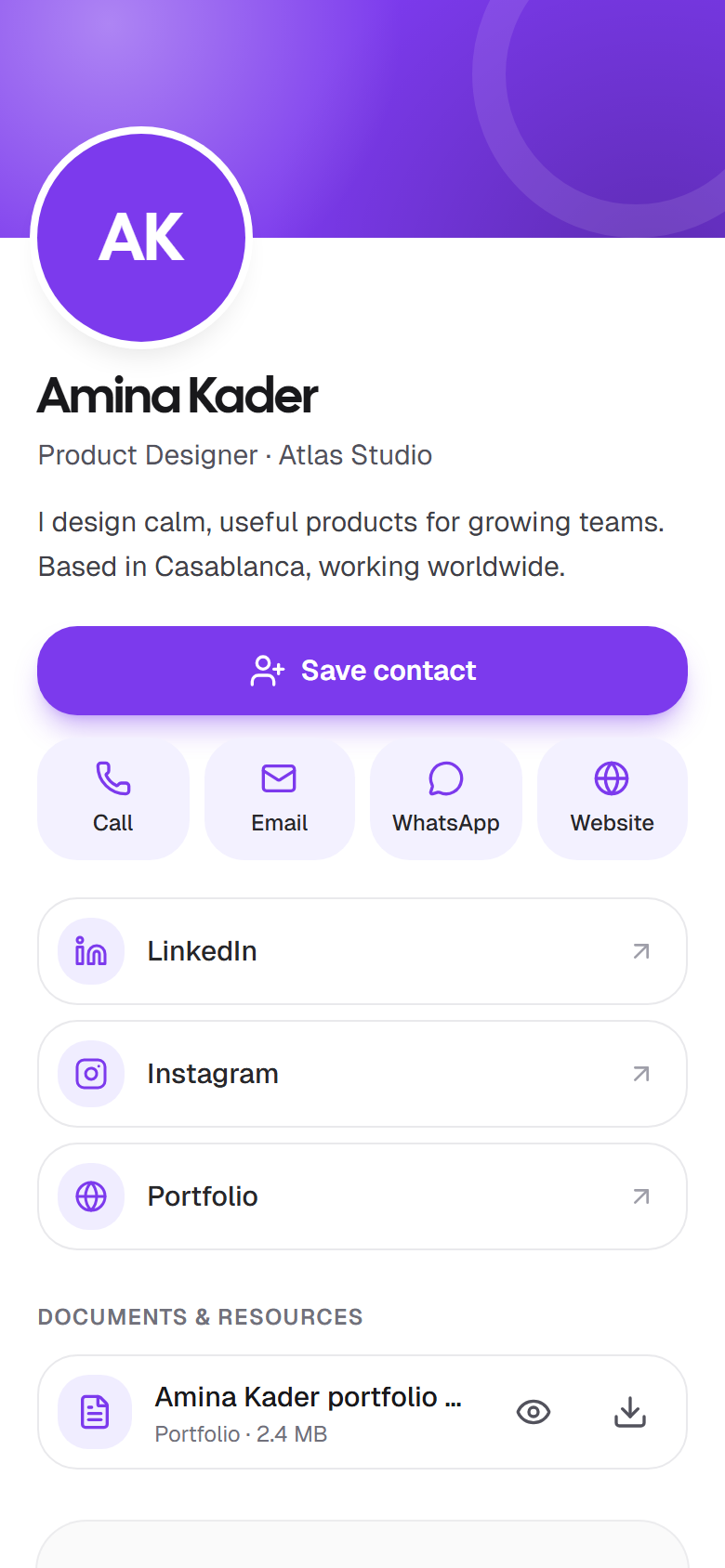
When someone taps Save contact on your card, Linq builds a vCard 3.0 file from your card's details, right there in their browser. It carries:
- Your name, as a full name and split into given and family name so it sorts properly.
- Job title and company.
- Phone, and your WhatsApp number as a mobile number, if you added one.
- Email and website.
- Your bio, as the contact's note, so they remember what you do.
Only the fields you filled in are included. Leave one empty on your card and it isn't in the file. Your photo and social links stay on the card, which they can open again from the website line.
How Save contact works
- On a phone, the share sheet opens with the contact file, and they add you to Contacts in one tap.
- On a computer, the .vcf file downloads. Opening it adds you to Apple Contacts, Outlook or the Contacts app on Windows.
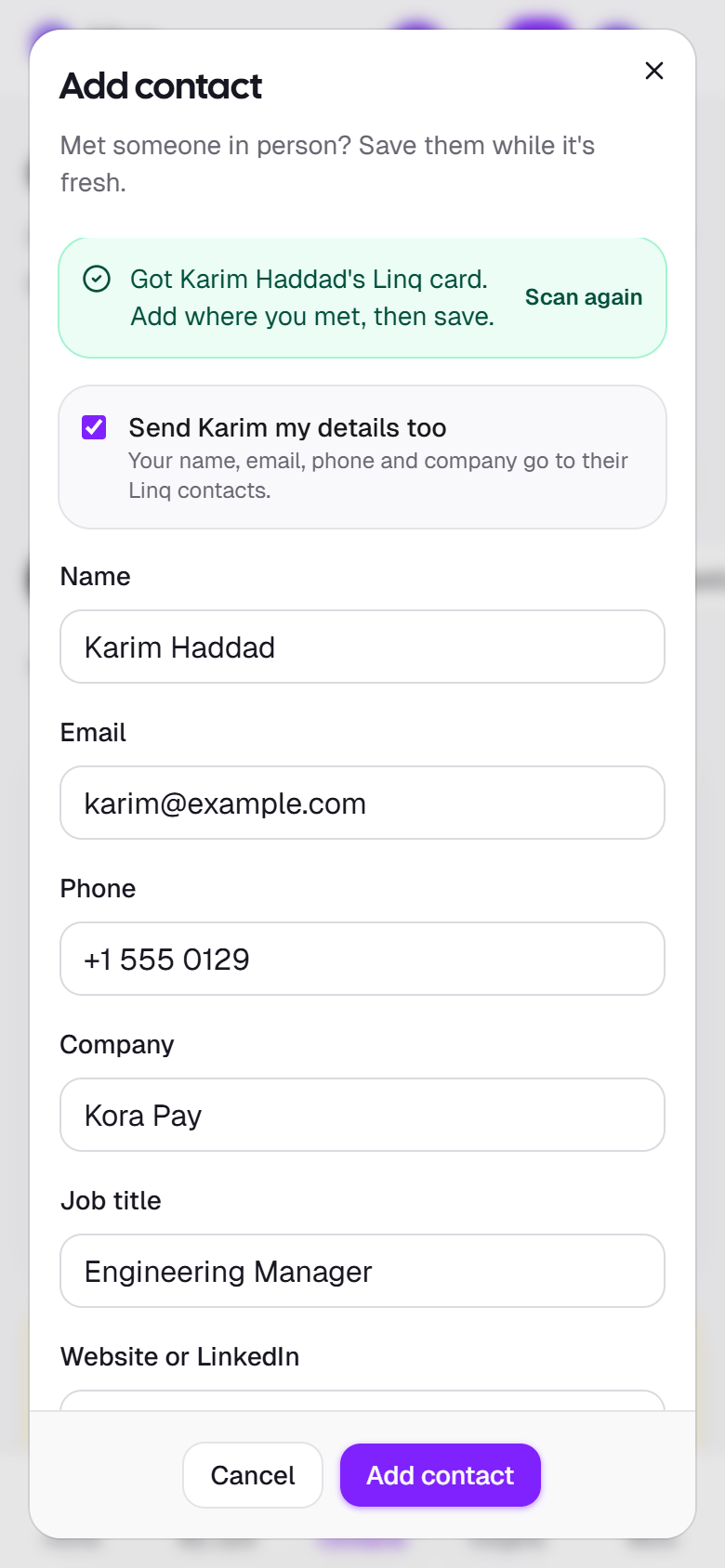
Right after, Linq asks whether they'd like to share their details with you. If they do, they land in your Contacts. That's the two-way part a plain vCard can't do: how getting their details back works.
A vCard, a vCard QR code, and a card link
There are three ways people put a vCard to work. They aren't the same thing:
- A vCard file, sent by message or email, or downloaded from a card. One tap adds the contact. It's a snapshot: if your number changes, the file they have doesn't.
- A vCard QR code, which packs the whole file into the code. Scanning adds the contact straight away, even offline. The price: a dense code that's hard to scan when small, details frozen the day you printed it, and nothing coming back to you.
- A card link or QR code, like Linq's, which opens your card. The card hands out a fresh vCard every time, so it's always current, and it can ask for their details in return. It needs a connection to open.
Linq uses the third, with the vCard inside. More on the code itself: QR code business cards. Want the second anyway? The free vCard QR code generator makes one in your browser, with no account.
Reading other people's vCards
It works the other way too. When someone shows you a contact QR code, from another card app, from their phone's contact card or printed on paper, open Contacts in Linq, select Scan, and point your camera at it. Linq reads vCard and MeCard codes and fills in the name, company, job title, email, phone and website. Add where you met and a follow-up date, and they're in.
Scan and add contacts has the details, including what to do without a camera.