On-brand team cards
Every team card starts with your company name, website and brand color. Apply the team brand to every card in one go.
Linq for teams
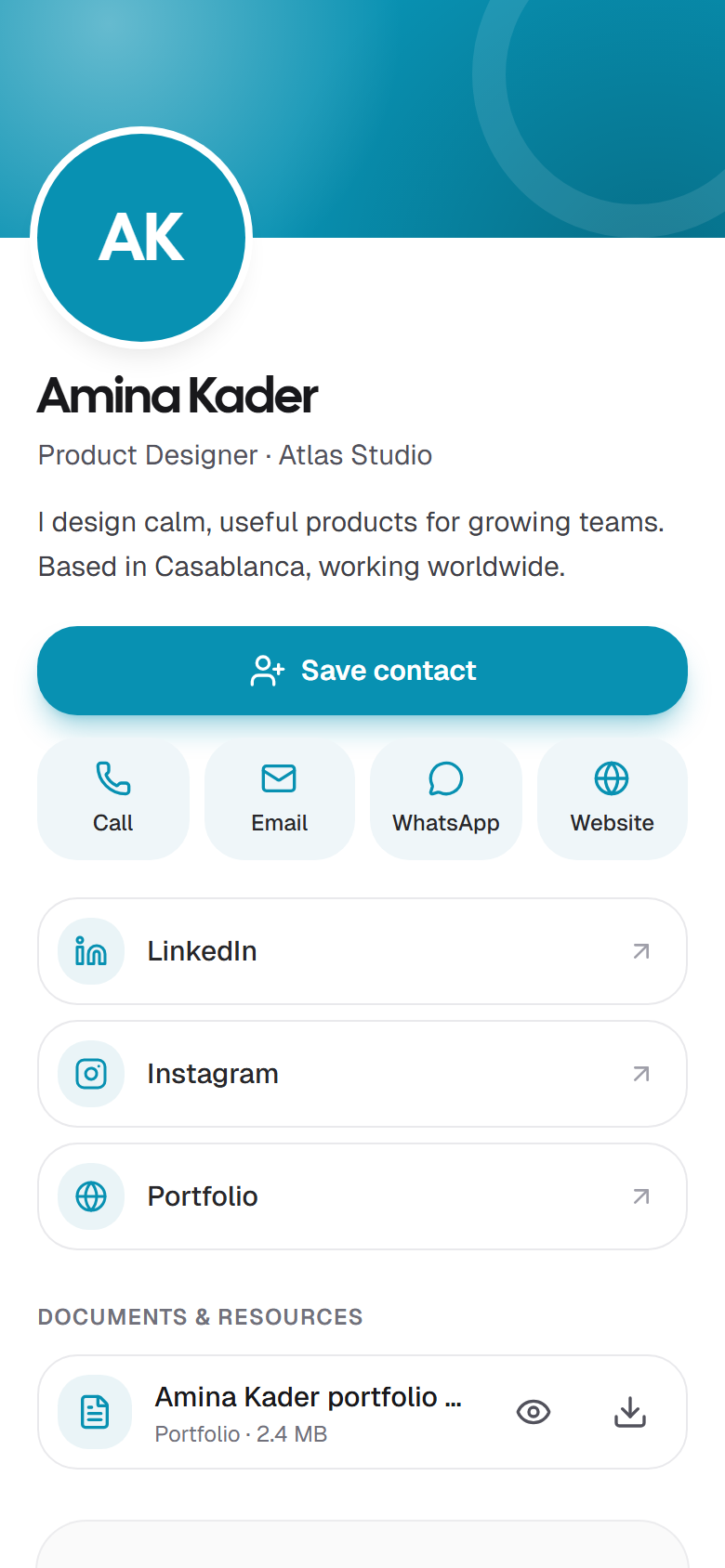
Give everyone an on-brand card they can share with a link, QR code or NFC, and see how the whole team's cards perform.
Teams come with Linq Pro: $5.99/month includes 3 seats. Extra members are $2.99/month each.
How it works
Subscribe to Linq Pro, then name your team and pick its brand color. You're its owner, with 3 seats included.
Enter their email addresses. Each person gets an email with a link to join and their own team card. Add seats at $2.99/month as you grow.
Members fill in and publish their team card, then share it by link, QR code or NFC. You see the views, saves and contacts.
Why teams use Linq
Every team card starts with your company name, website and brand color. Apply the team brand to every card in one go.
Owners and admins can edit, publish or take any team card offline, and hand out Linq NFC cards to members.
See views over time, where they come from, which links get tapped and how each member's card performs.
People who reach out from a team card land in that member's Contacts, and stay with the team if they leave.
Colleagues get an email with a link to join. Owners hear when someone joins, and when the team runs out of seats.
No app to install, for your team or the people they meet. Available in English, French and Arabic.
Teams are part of Linq Pro: $5.99 a month for the team owner, including 3 seats (you and two colleagues). Each extra member is $2.99 a month. Members and open invitations each use a seat.
Yes. Owners change the number of extra seats on the team's Plan & seats page, and approve the change on PayPal. The new amount applies from the next billing date. Payments already made aren't refunded.
Yes, and it's free for them. Each person gets an invitation email and joins with that address, using Google, GitHub or email and password.
Owner: everything, including seats and billing. Admin: invites people, edits and publishes everyone's team cards, sees team insights and hands out physical cards. Member: gets a team card to fill in and share, and the contacts it brings in.
Invitation links work for 7 days. Owners and admins can email an invitation again, renew an expired one, copy its link to send another way, or cancel it.
Their team card goes offline, any physical cards the team gave them come back to the team, and the contacts their card collected stay with the team. Their seat frees up, and their personal card isn't affected.
The team is paused: team pages are locked and invitations can't be accepted until an owner has Pro again. Members, cards and documents are kept, and everyone's personal card keeps working.
Yes. A person can belong to several teams, with a team card in each, and keeps their own personal card.
Start with your own free card, upgrade to Pro from the app, then invite your colleagues by email.