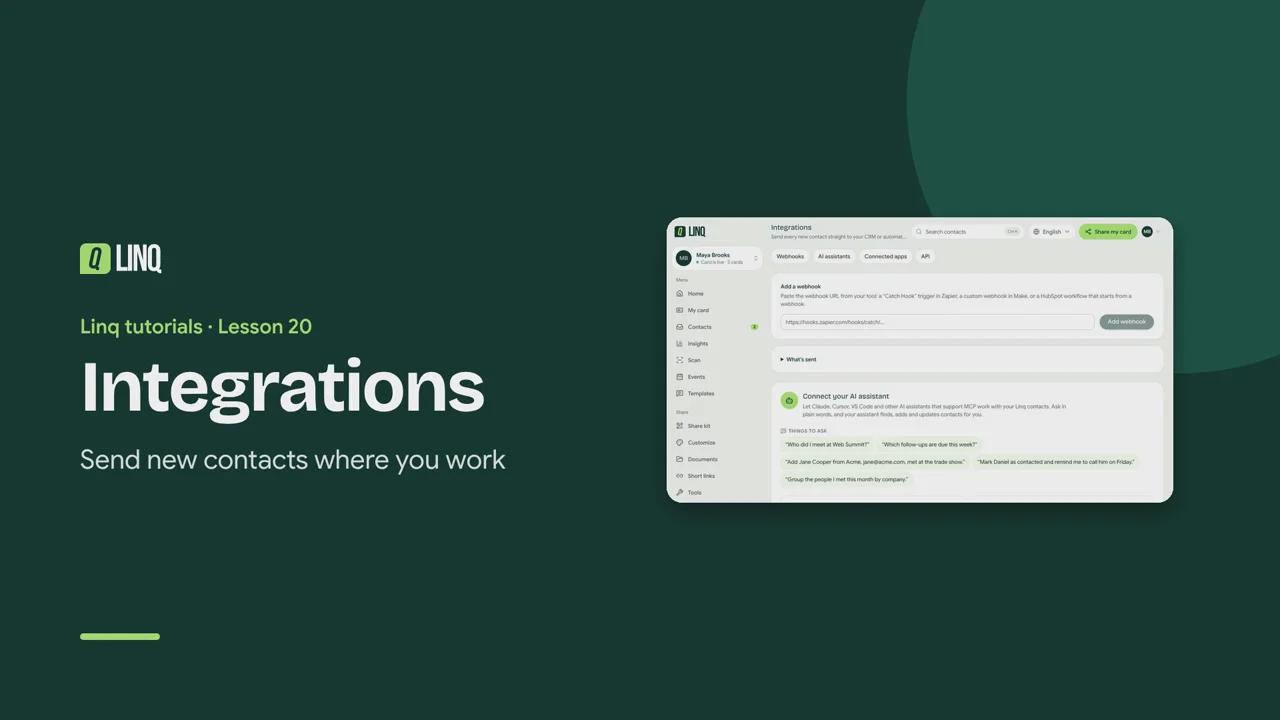
Tutorials Lesson 20 Integrations Send new contacts where you work. Video language English Français العربية 1:00 The steps Read the written guide 0:06 Integrations sends new contacts where you work: webhooks, AI assistants, connected apps and the API. 0:16 With Pro, paste a webhook URL from Zapier, Make or HubSpot and select Add webhook. Every new contact is sent there. 0:25 With Business, connect Claude, Cursor or VS Code over MCP, and ask about your contacts in plain words. 0:33 Choose your app, create a key, and run the command it shows. You can revoke a key at any time. 0:40 Connected apps send new contacts straight to Zoho CRM or Slack, for you or your whole team. 0:47 API keys let your own scripts read and write your contacts through the REST API. Intégrations · Vos nouveaux contacts, là où vous travaillez. 0:07 Intégrations envoie vos nouveaux contacts là où vous travaillez : webhooks, assistants IA, applications et API. 0:15 Avec Pro, collez l'URL d'un webhook Zapier, Make ou HubSpot et sélectionnez Ajouter le webhook. Chaque contact y est envoyé. 0:25 Avec Business, connectez Claude, Cursor ou VS Code via MCP, et interrogez vos contacts en langage courant. 0:34 Choisissez votre application, créez une clé et lancez la commande affichée. Une clé se révoque à tout moment. 0:41 Les Applications connectées envoient vos nouveaux contacts directement vers Zoho CRM ou Slack, pour vous ou toute l'équipe. 0:50 Les Clés d'API permettent à vos scripts de lire et d'écrire vos contacts via l'API REST. التكاملات · أرسل جهات الاتصال الجديدة إلى حيث تعمل. 0:08 ترسل التكاملات جهات الاتصال الجديدة إلى حيث تعمل: Webhooks ومساعدو الذكاء الاصطناعي والتطبيقات المتصلة وAPI. 0:20 مع Pro، الصق رابط Webhook من Zapier أو Make أو HubSpot واختر إضافة Webhook. تُرسل إليه كل جهة اتصال جديدة. 0:32 مع Business، اربط Claude أو Cursor أو VS Code عبر MCP، واسأل عن جهات اتصالك بلغة عادية. 0:41 اختر تطبيقك، وأنشئ مفتاحًا، ونفّذ الأمر المعروض. يمكنك إلغاء المفتاح في أي وقت. 0:50 ترسل التطبيقات المتصلة جهات الاتصال الجديدة مباشرةً إلى Zoho CRM أو Slack، لك أو لفريقك كله. 1:00 تتيح مفاتيح API لبرامجك قراءة جهات اتصالك وكتابتها عبر REST API. Select a step to play the video from there. Previous · Lesson 19 Business Card Next · Lesson 21 Plans and billing Stuck on something? Check the FAQ or troubleshooting, or contact us. Open Linq