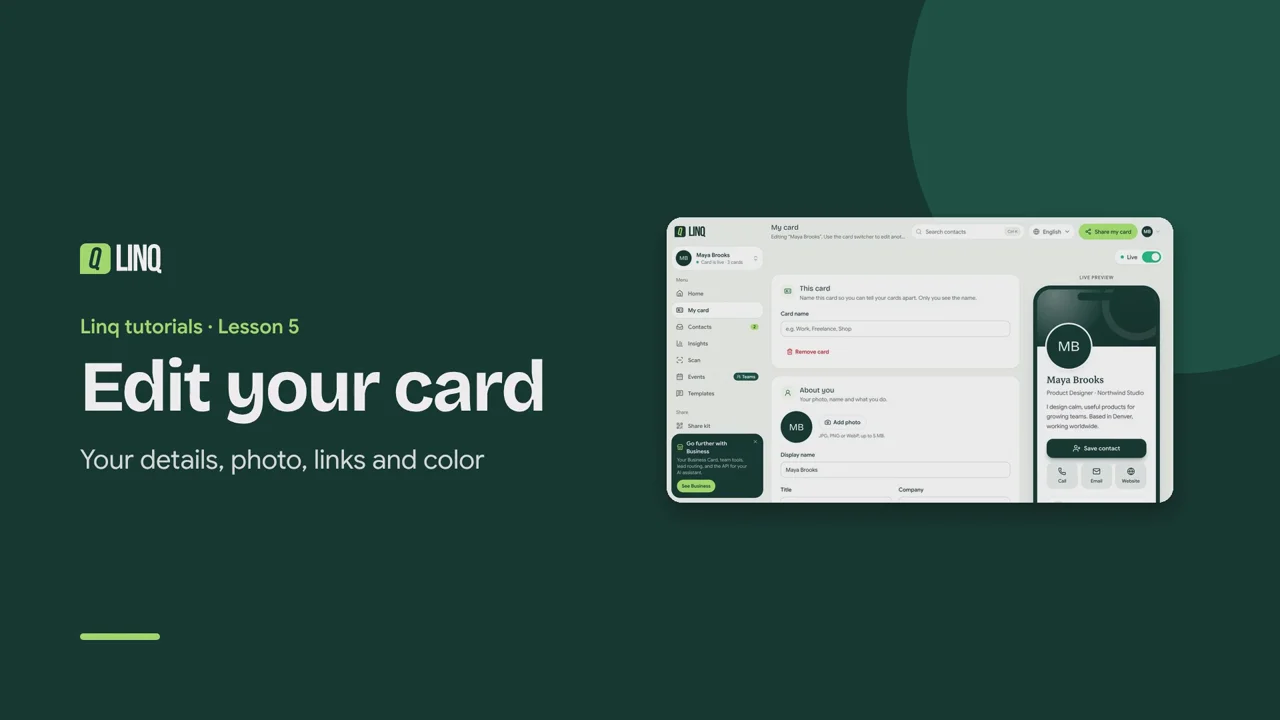
Tutorials Lesson 5 Edit your card Your details, photo, links and color. Video language English Français العربية 1:08 The steps Read the written guide 0:06 Open My card to edit your card. The live preview shows it exactly as visitors will see it. 0:13 In About you, set your photo, name, title, company and a short bio. 0:19 Add photo: JPG, PNG or WebP, up to 5 MB. Without one, your initials show instead. 0:28 Contact details: phone, WhatsApp, email and website. Each one becomes a one-tap button. 0:36 Add Social links such as LinkedIn or Instagram. Each shows with its own icon. 0:42 Card color sets the color of your header, the Save contact button and the icons. 0:49 With Pro, choose Your card link: the address people open. Links you've shared before keep working. 0:56 When you're done, select Save. Your link and QR code stay the same. Modifier votre carte · Vos coordonnées, photo, liens et couleur. 0:08 Ouvrez Ma carte pour modifier votre carte. L'aperçu en direct la montre telle que vos visiteurs la verront. 0:16 Dans À propos de vous, ajoutez votre photo, votre nom, votre poste, votre entreprise et une courte bio. 0:23 Ajouter une photo : JPG, PNG ou WebP, jusqu'à 5 Mo. Sans photo, vos initiales s'affichent. 0:32 Coordonnées : téléphone, WhatsApp, e-mail et site web. Chacun devient un bouton sur votre carte. 0:39 Ajoutez vos Réseaux sociaux, comme LinkedIn ou Instagram. Chacun s'affiche avec son icône. 0:46 Couleur de la carte : elle colore l'en-tête, le bouton d'enregistrement et les icônes. 0:52 Avec Pro, choisissez Le lien de votre carte : l'adresse que l'on ouvre. Les liens déjà partagés fonctionnent toujours. 1:00 Quand vous avez terminé, sélectionnez Enregistrer. Votre lien et votre QR code ne changent pas. تعديل بطاقتك · بياناتك وصورتك وروابطك ولونك. 0:08 افتح بطاقتي لتعديل بطاقتك. تعرضها المعاينة المباشرة تمامًا كما سيراها الزوار. 0:17 في قسم عنك، أضف صورتك واسمك ومسماك الوظيفي وشركتك ونبذة قصيرة. 0:25 إضافة صورة: بصيغة JPG أو PNG أو WebP حتى 5 ميغابايت. بدونها تظهر الأحرف الأولى من اسمك. 0:36 بيانات التواصل: الهاتف وواتساب والبريد والموقع. يصبح كل منها زرًا بلمسة واحدة. 0:45 أضف الروابط الاجتماعية مثل LinkedIn أو Instagram، ويظهر كل منها بأيقونته. 0:53 لون البطاقة: يحدد لون الترويسة وزر حفظ جهة الاتصال والأيقونات. 1:00 مع Pro، اختر رابط بطاقتك: العنوان الذي يفتحه الناس. الروابط التي شاركتها سابقًا تظل تعمل. 1:10 عند الانتهاء، اختر حفظ. يبقى رابطك ورمز QR كما هما. Select a step to play the video from there. Previous · Lesson 4 Insights Next · Lesson 6 Customize your card Stuck on something? Check the FAQ or troubleshooting, or contact us. Open Linq