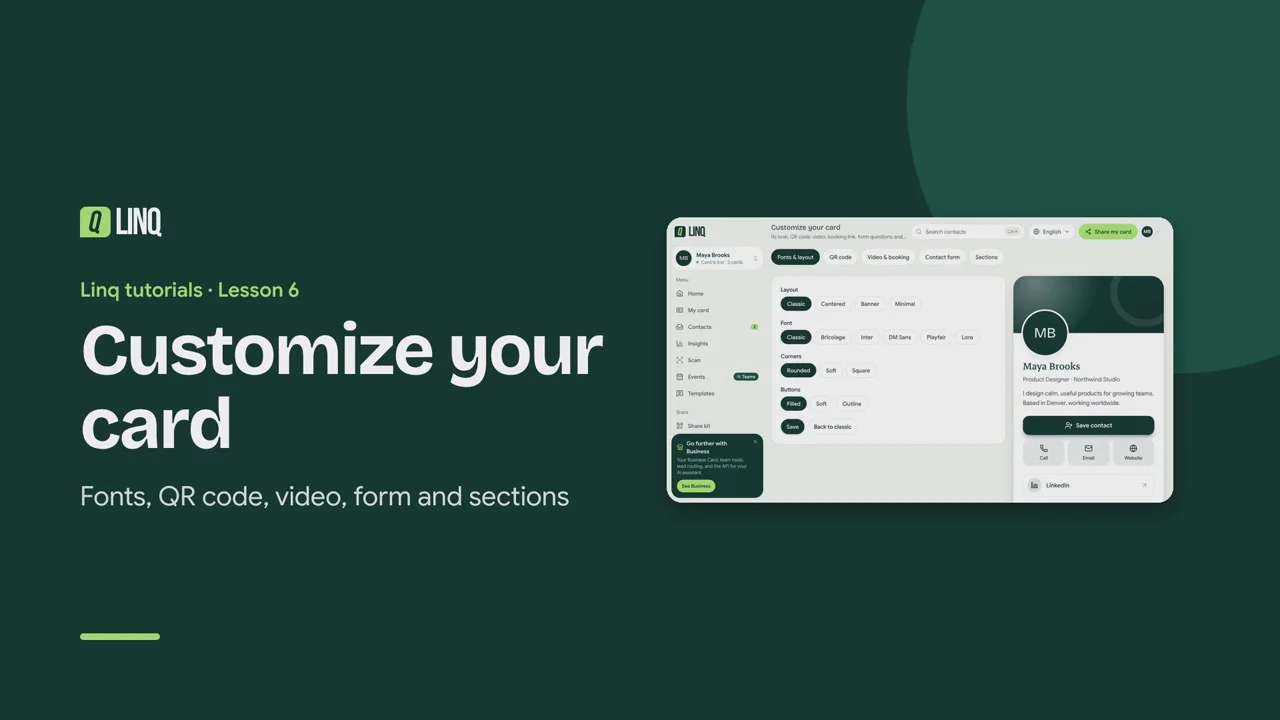
Tutorials Lesson 6 Customize your card Fonts, QR code, video, form and sections. Video language English Français العربية 0:57 The steps Read the written guide 0:08 With Pro, Customize changes your card's look and adds more to it. 0:13 In Fonts & layout, pick a layout, a font, corners and buttons. The preview updates as you go. 0:20 QR code: brand your QR code with your colors and logo. Linq checks that it still scans. 0:28 Video & booking: add a YouTube or Vimeo video, and a booking link to your calendar. 0:34 Contact form: choose its wording and fields, add up to 8 questions, and a consent line. 0:41 Sections: add services, testimonials and photos to your card. 0:47 Select Save to put your changes on your card. Personnaliser votre carte · Polices, QR code, vidéo, formulaire et sections. 0:09 Avec Pro, Personnaliser change le style de votre carte et l'enrichit. 0:14 Dans Polices et mise en page, choisissez mise en page, police, coins et boutons. L'aperçu suit vos choix. 0:23 QR code : habillez votre QR code de vos couleurs et de votre logo. Linq vérifie qu'il se scanne toujours. 0:32 Vidéo et réservation : ajoutez une vidéo YouTube ou Vimeo, et un lien vers votre agenda. 0:39 Formulaire : choisissez textes et champs, ajoutez jusqu'à 8 questions et une mention de consentement. 0:47 Sections : ajoutez services, témoignages et photos à votre carte. 0:53 Sélectionnez Enregistrer pour appliquer vos changements à votre carte. تخصيص بطاقتك · الخطوط ورمز QR والفيديو والنموذج والأقسام. 0:09 مع Pro، يغيّر التخصيص شكل بطاقتك ويضيف إليها المزيد. 0:16 في الخطوط والتخطيط، اختر التخطيط والخط والزوايا والأزرار. تتحدث المعاينة مع كل اختيار. 0:26 رمز QR: أضف ألوانك وشعارك إلى رمز QR. يتحقق Linq من أنه ما زال يُمسح. 0:35 الفيديو والحجز: أضف فيديو من YouTube أو Vimeo، ورابط حجز لتقويمك. 0:43 نموذج التواصل: اختر النصوص والحقول، وأضف حتى 8 أسئلة وسطر موافقة. 0:51 الأقسام: أضف الخدمات والشهادات والصور إلى بطاقتك. 0:57 اختر حفظ لتطبيق تغييراتك على بطاقتك. Select a step to play the video from there. Previous · Lesson 5 Edit your card Next · Lesson 7 What people see Stuck on something? Check the FAQ or troubleshooting, or contact us. Open Linq