Create an account and sign in
Sign up for Linq with Google, GitHub or email, confirm your email address, sign in, and reset a forgotten password.
Linq is free to start, and Pro adds more when you need it. You can sign up in three ways, and you can add a password later if you started with Google or GitHub.
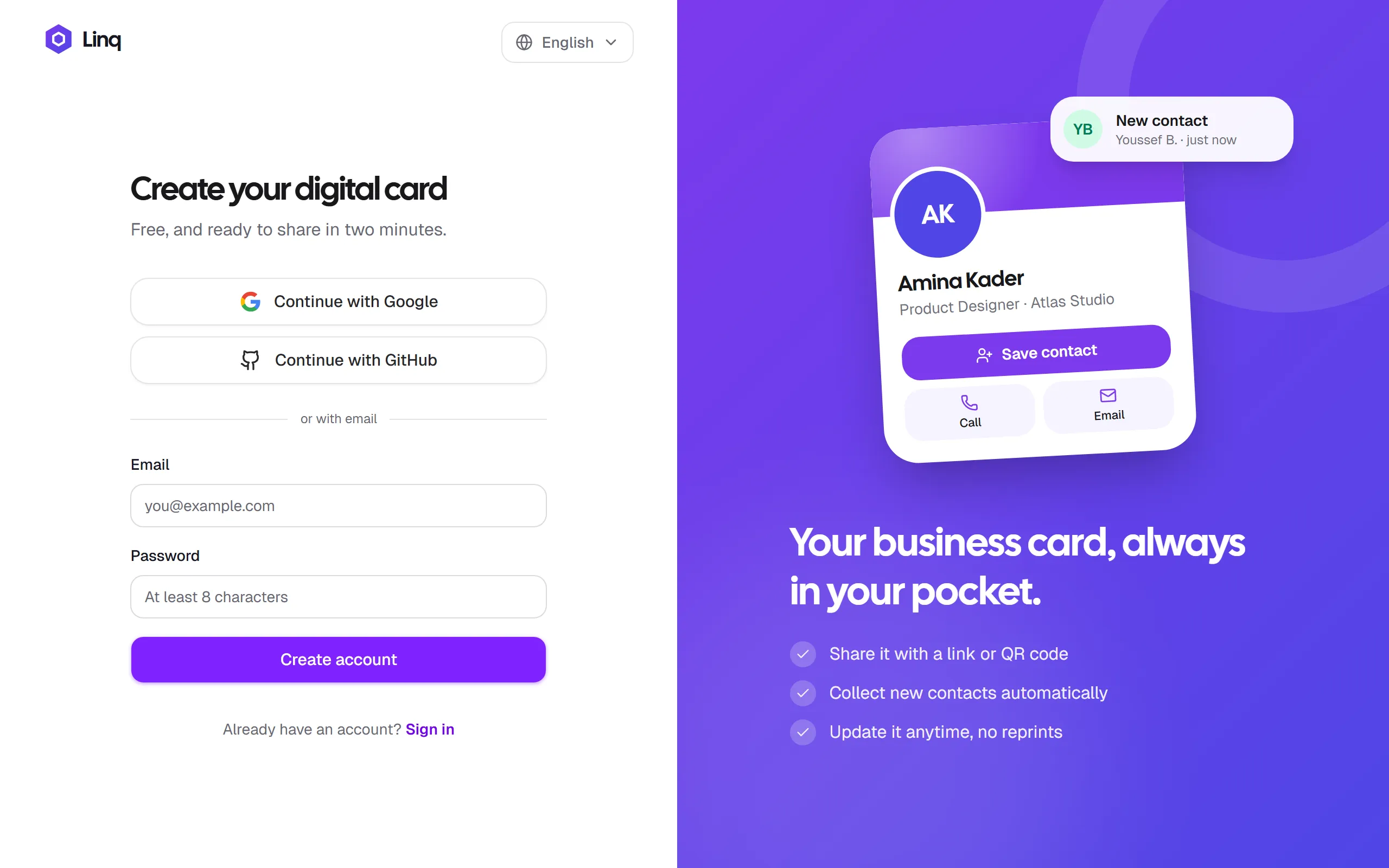
Sign up
- Go to app.linq-business.com/sign-up.
- Choose one of:
- Continue with Google
- Continue with GitHub
- your email and a password of at least 8 characters, then Create account.
- If you signed up with email, check your inbox for a verification code, enter it and select Verify. Didn’t get it? Check your spam folder, or select Resend code.
You land on your Home screen, and your card is created automatically as a draft.
Sign in
Go to app.linq-business.com/sign-in and use the same method you signed up with: Google, GitHub, or your email and password.
If you signed up with Google or GitHub, you can also create a password so you can sign in with your email. See Settings, language and password.
Reset a forgotten password
- On the sign-in page, select Forgot password?
- Enter your email address and select Send reset code.
- Enter the code from the email, choose a new password (at least 8 characters), then select Set new password.
You’re signed in with your new password straight away.
Sign out
- On a computer: select your avatar in the top-right corner, then Sign out.
- On your phone: open the More tab and select Sign out.
You can also sign out from Settings.
Last updated
Need more help?
Check the FAQ or troubleshooting, or contact us.